Your Assistant, Right in Your Pocket
Ask, approve and talk to your personal assistant from anywhere. Made for iPhone and the new iPhone Duo.
Free on the App Store · iOS 17 or later

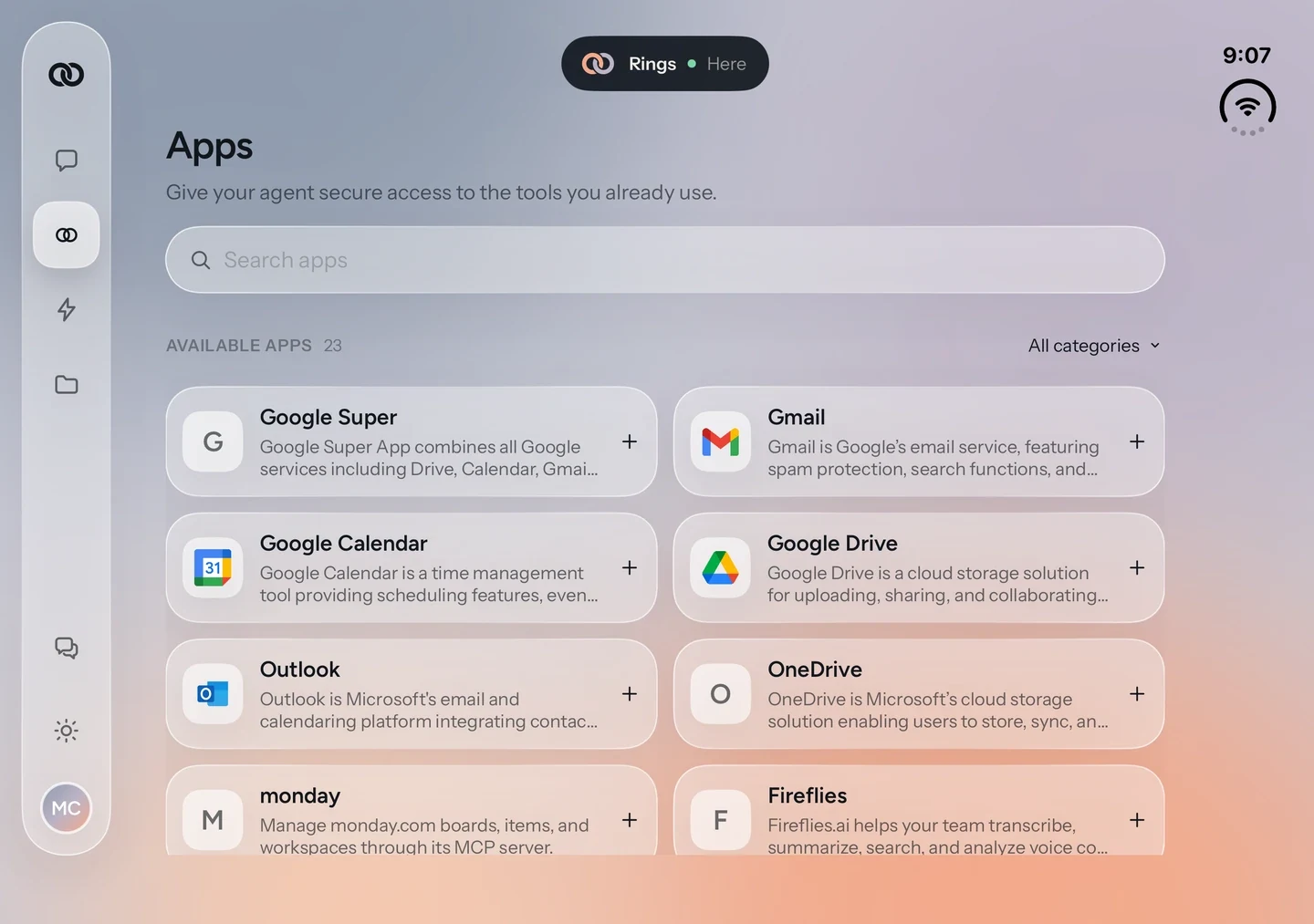
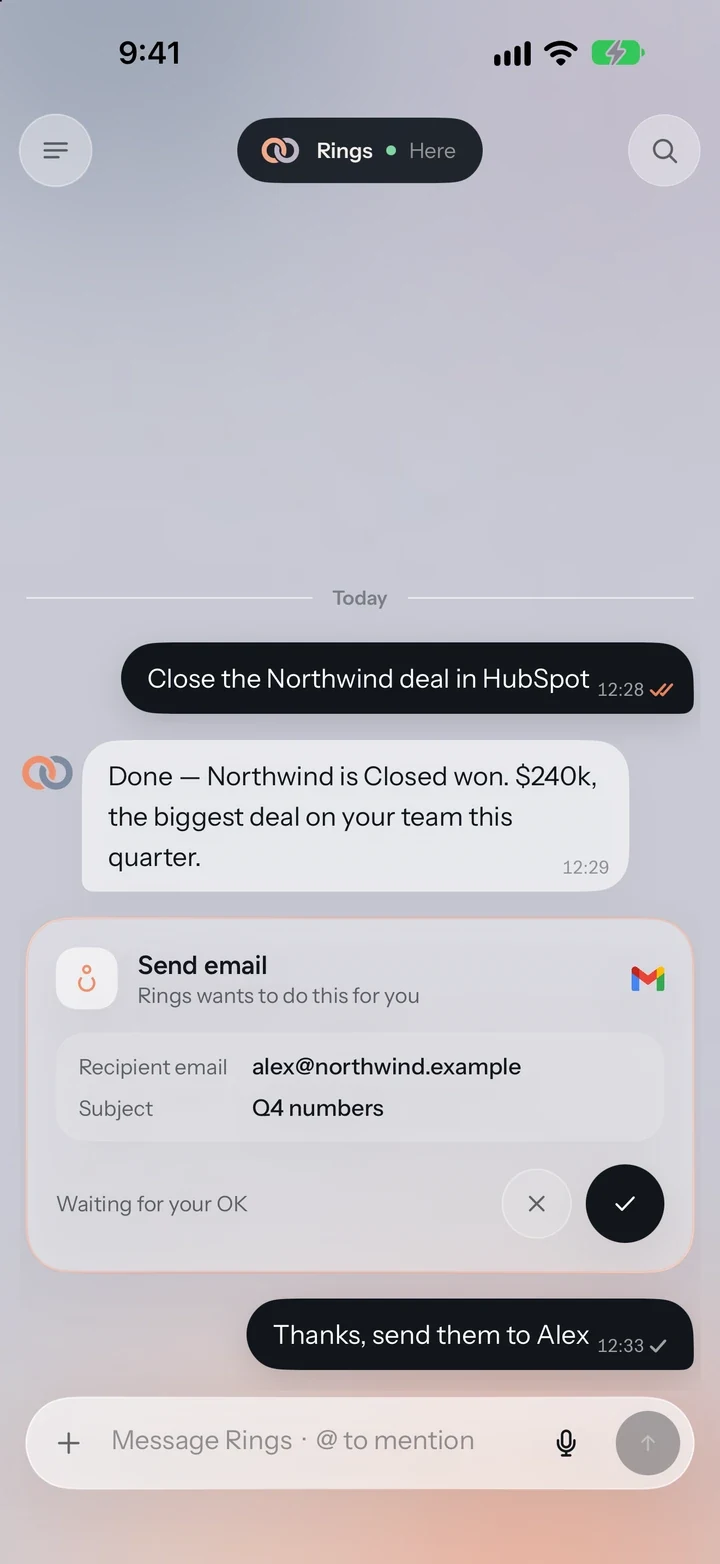
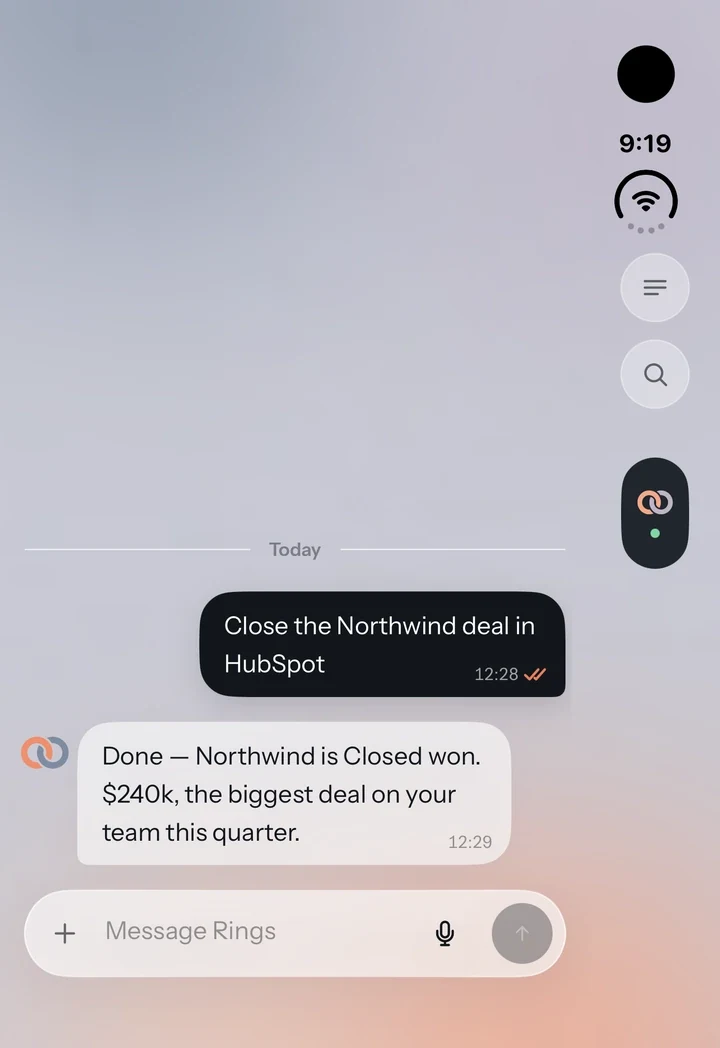
Open It Up, Fold It Away.
Rings AI works on iPhone Duo, open, half folded or closed.
Open
Half folded
Closed
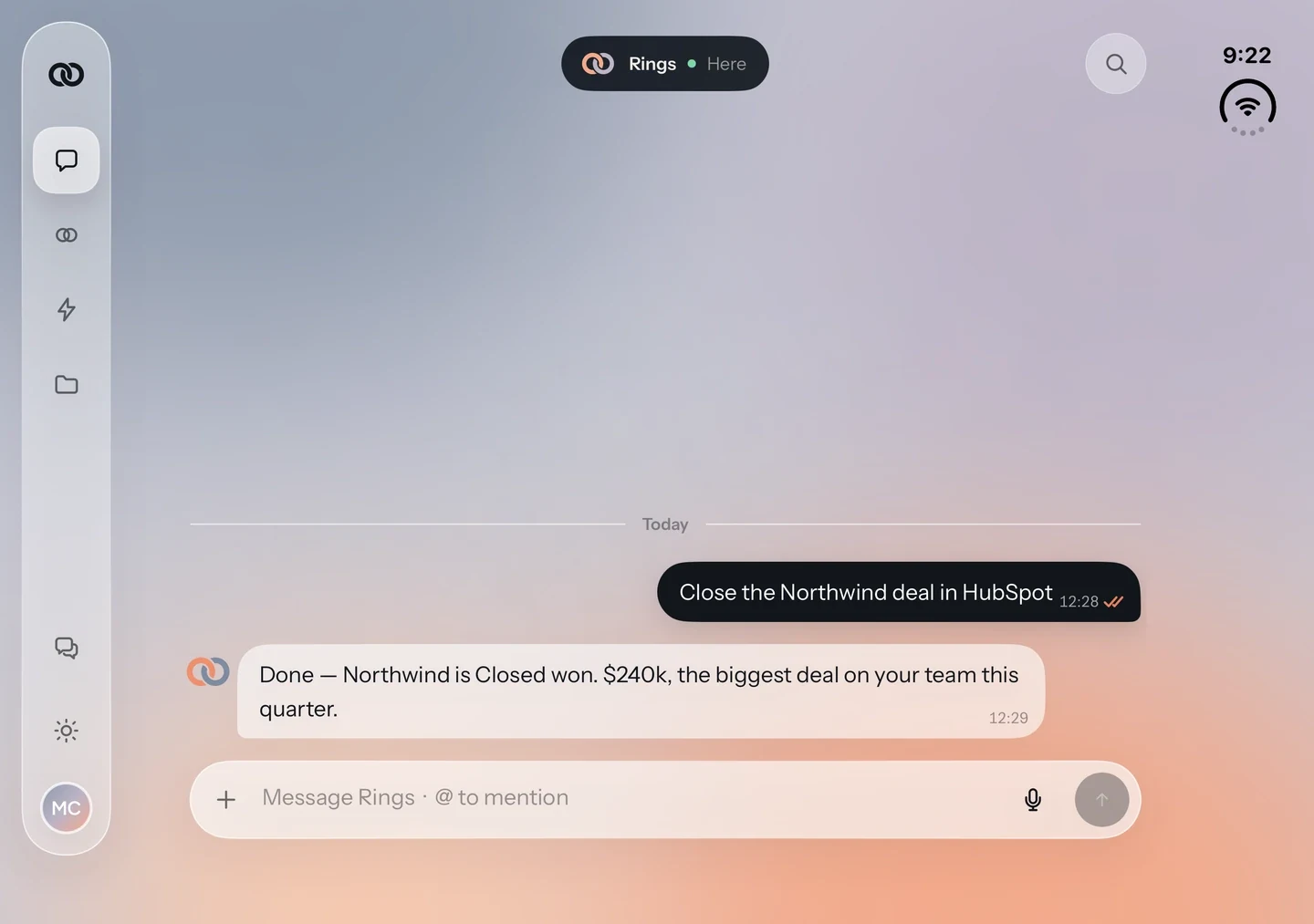
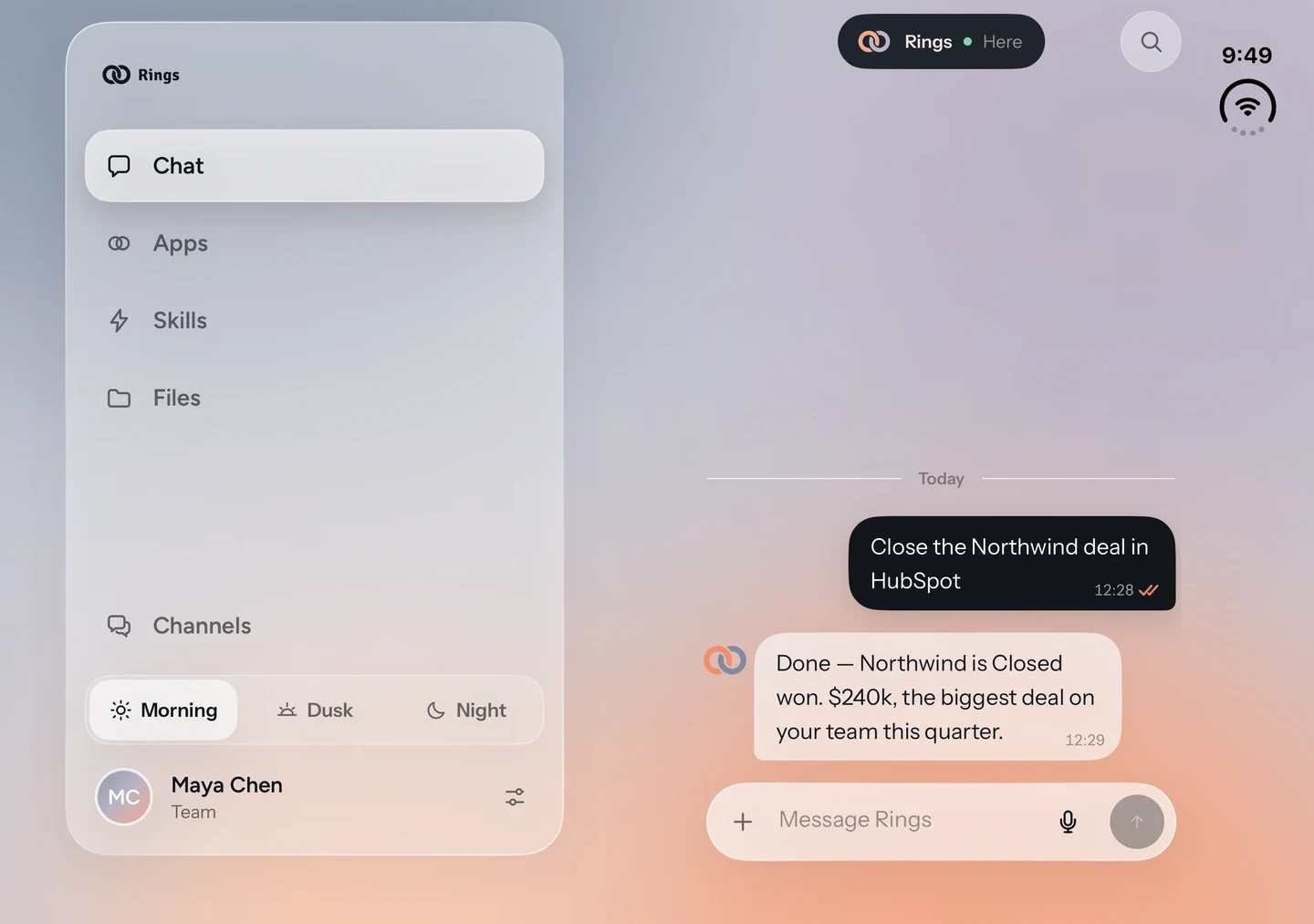
Approve Work with One Tap
Rings AI drafts the email, books the meeting or updates the deal, then waits for your OK. One tap, and it is done.
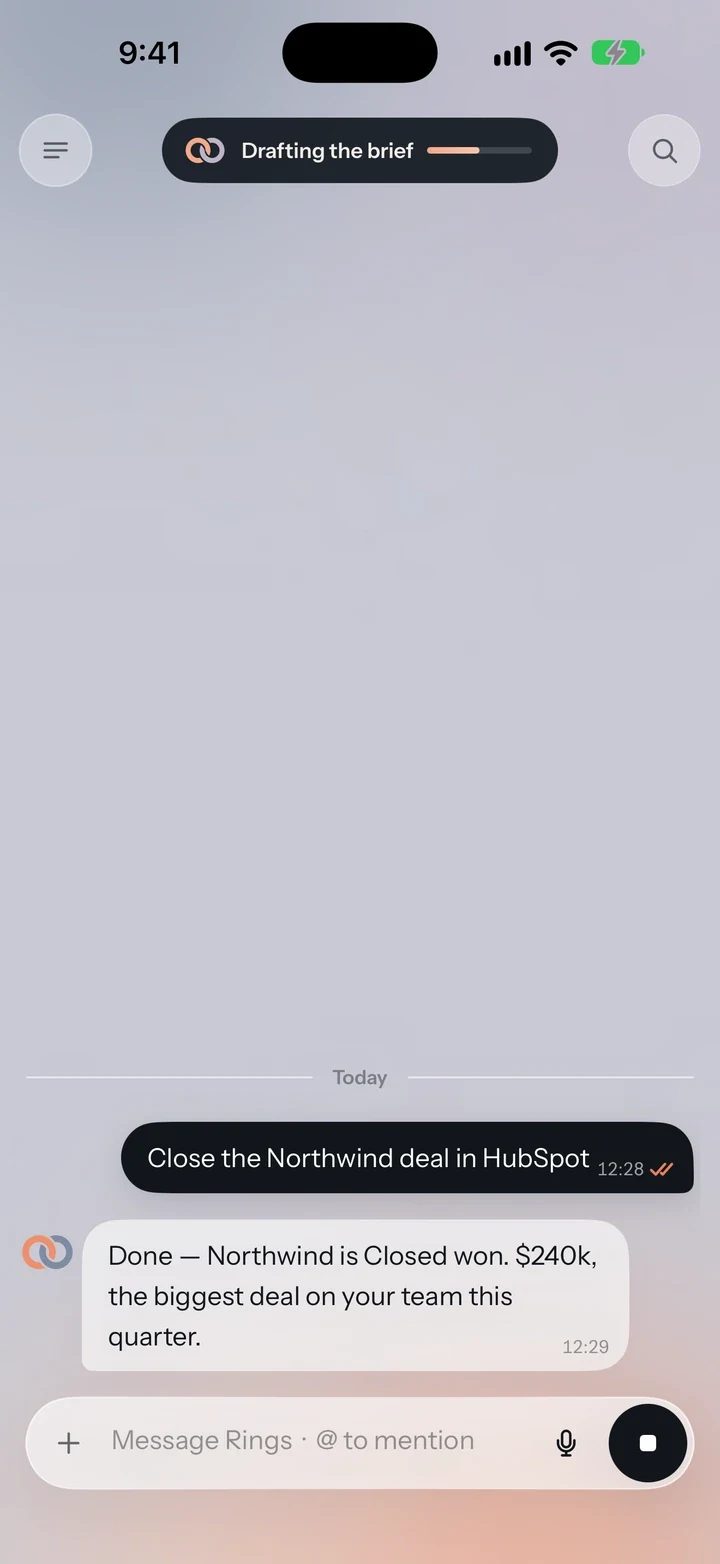
Put Your Phone Away
Ask for a brief or a deal update and get on with your day. The top of the screen shows what Rings AI is working on, and a notification tells you when it is done.
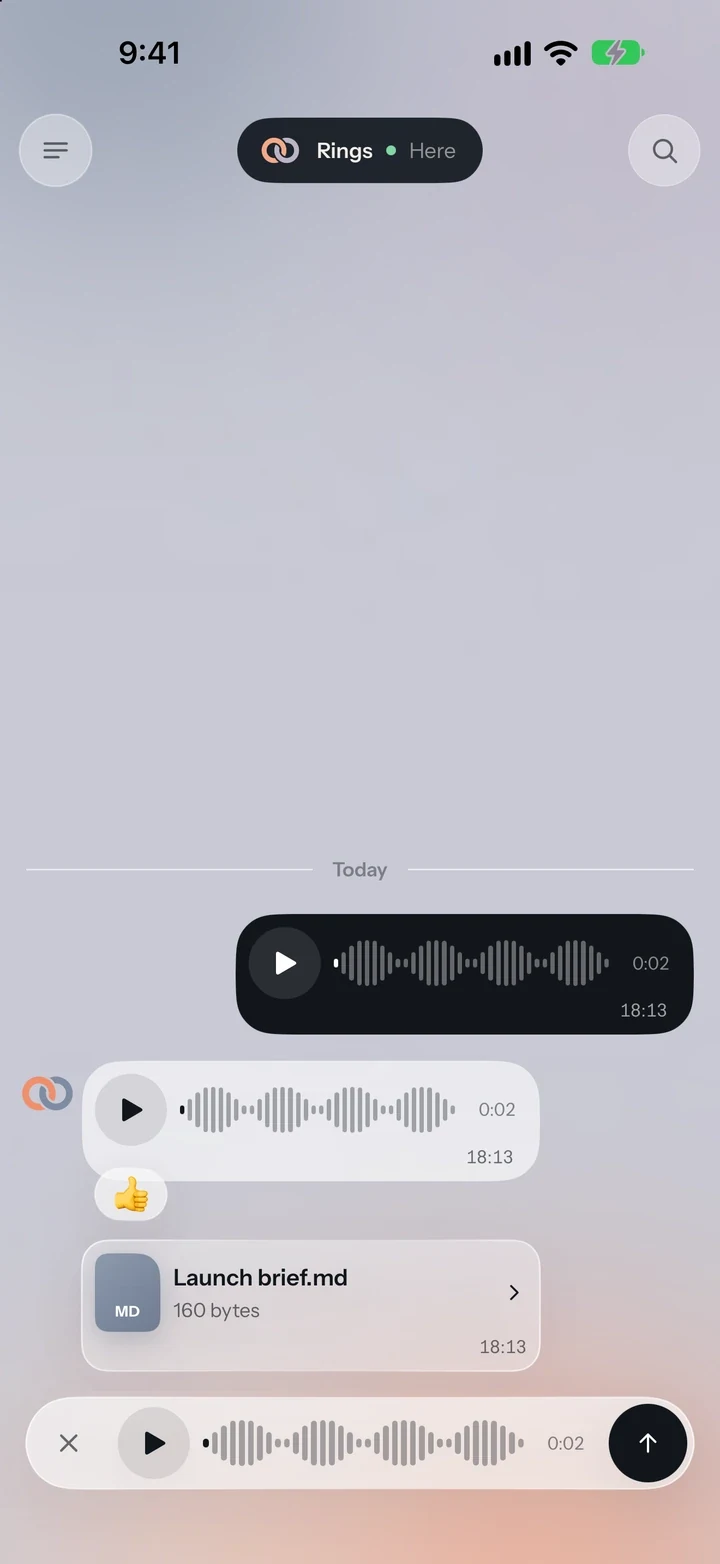
Talk Instead of Typing
Record a voice note on the go, play it back and send it when it sounds right. Rings AI reads it as text, so it works like any message.
Your Whole Assistant, in One App.
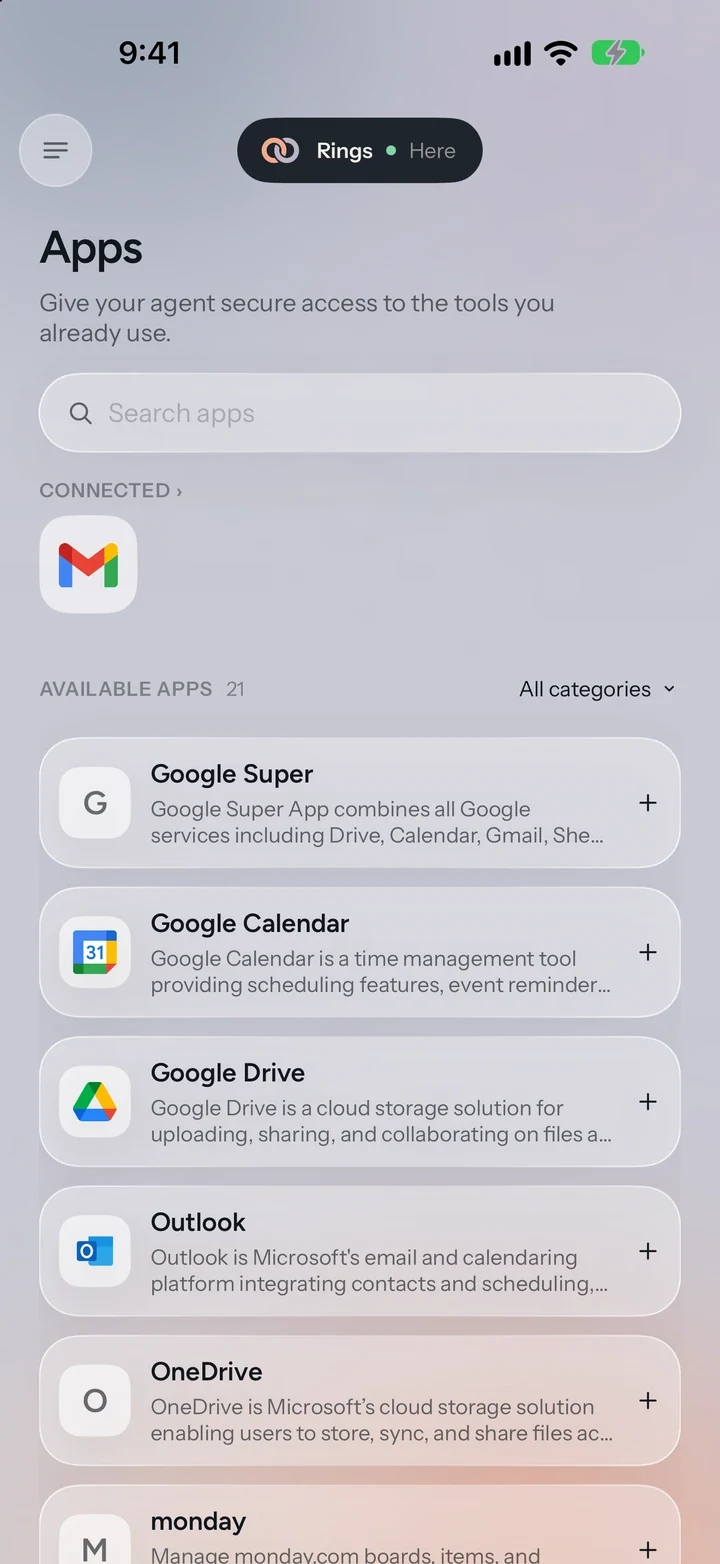
Your Apps
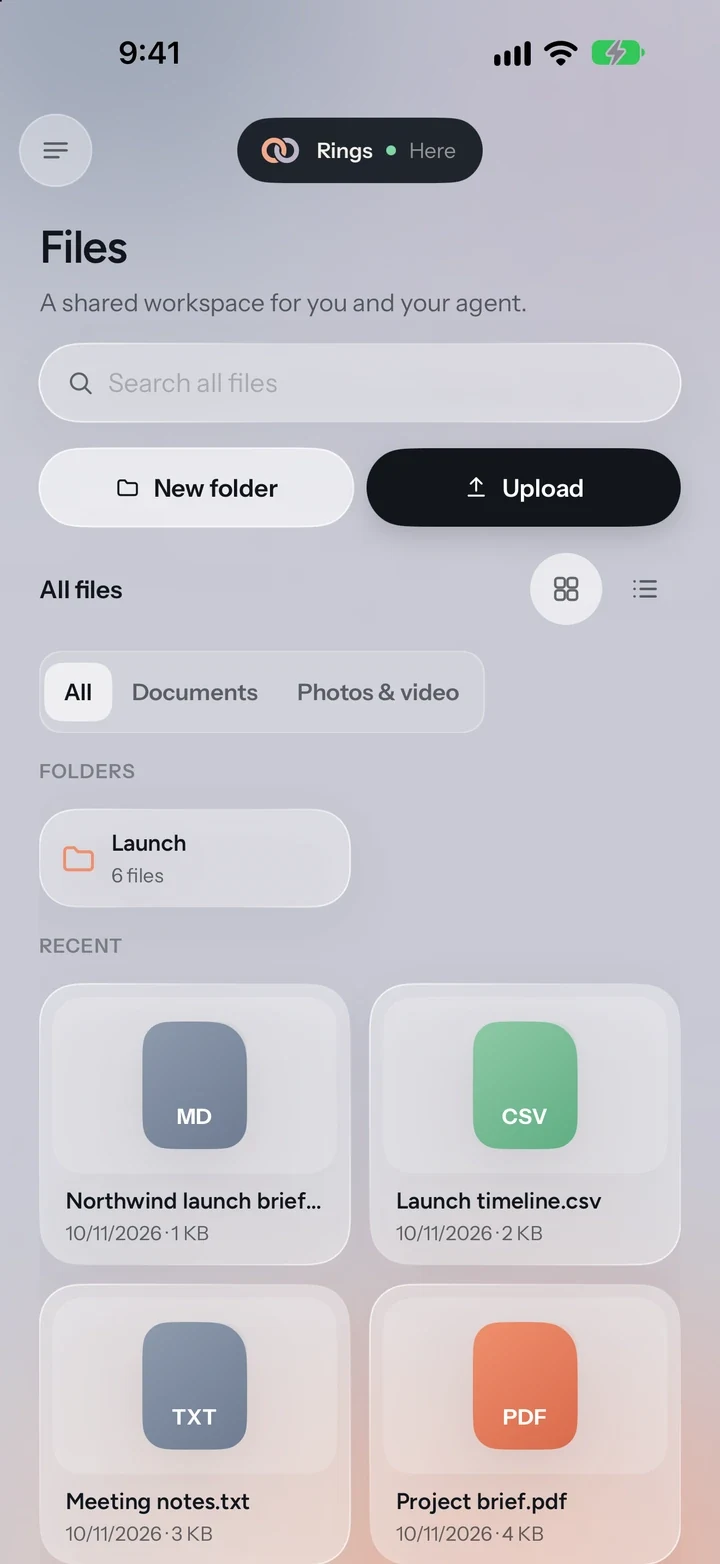
Your Files
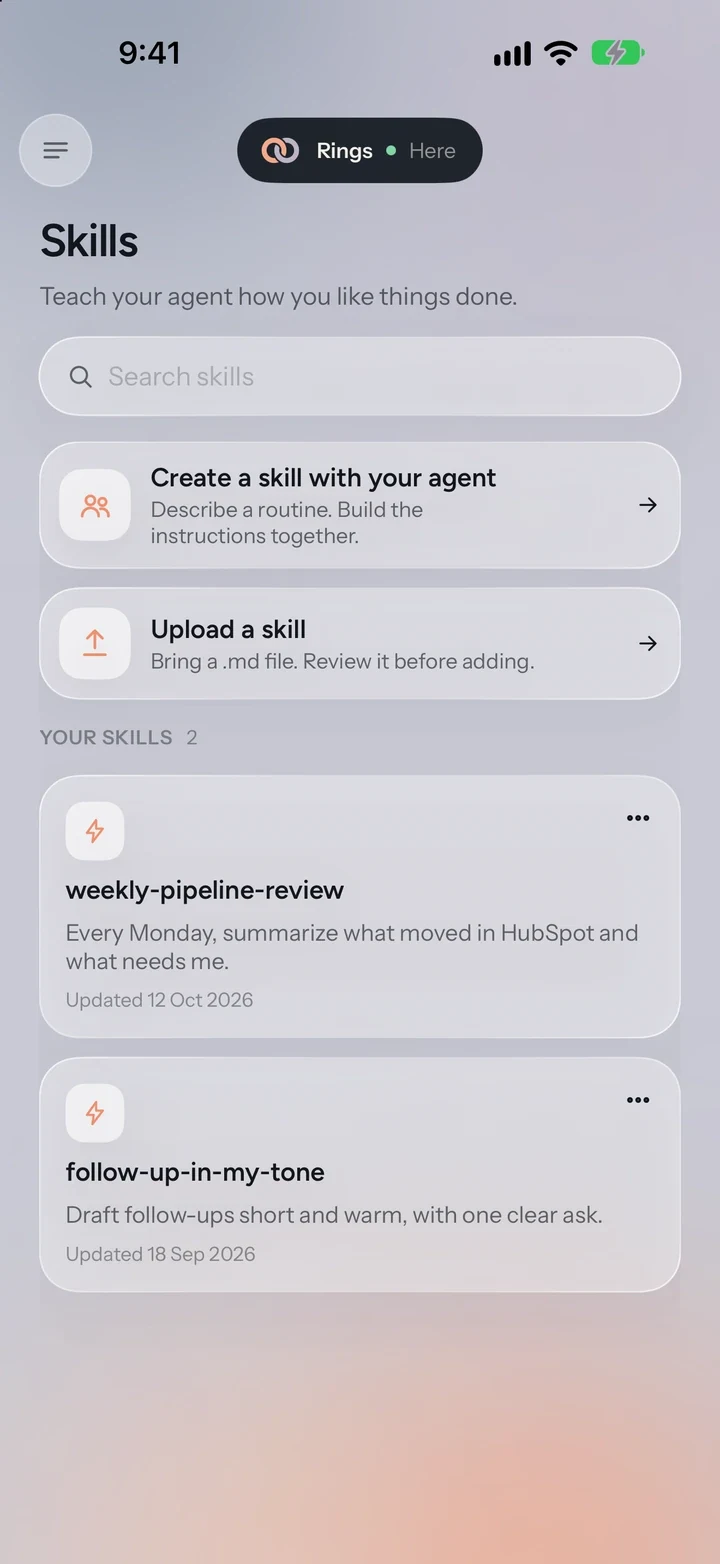
Your Skills
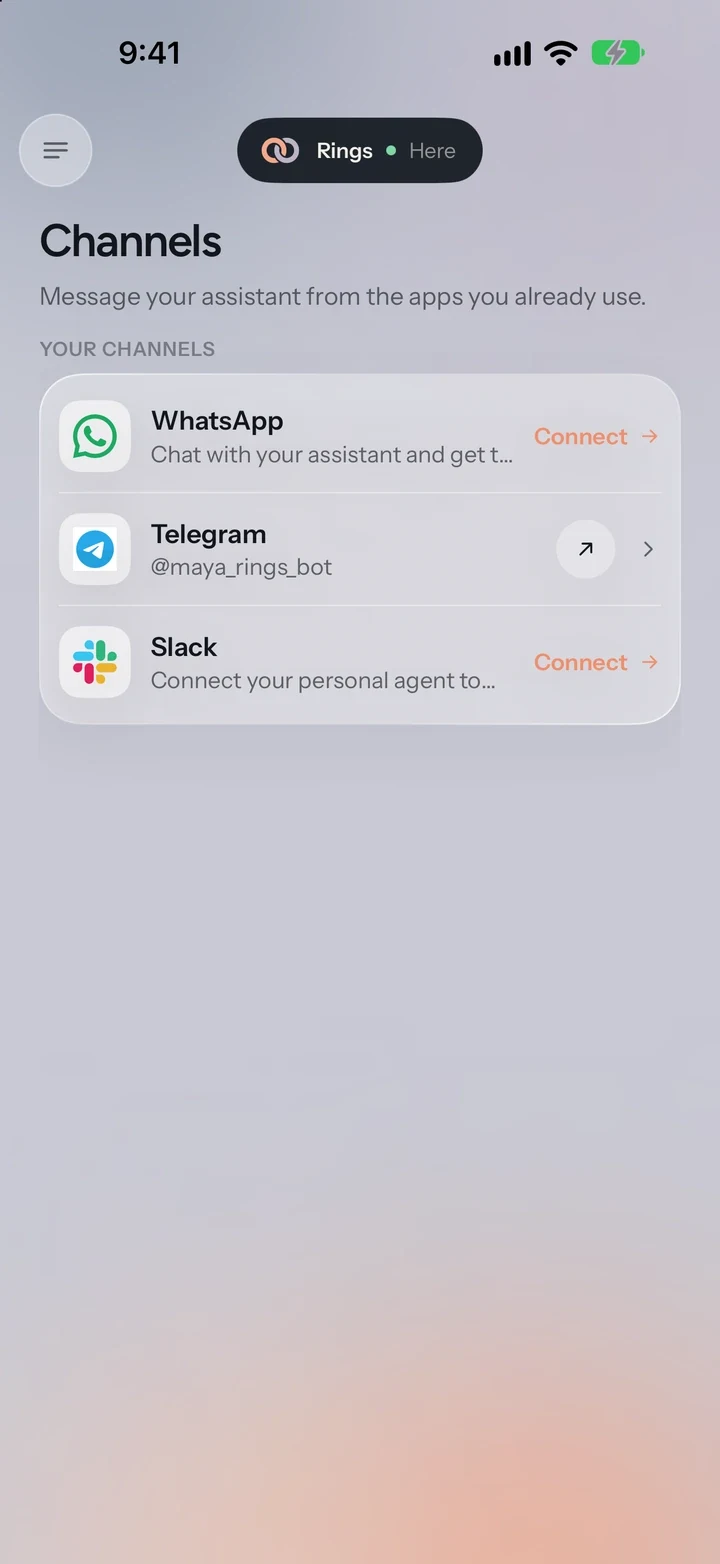
Your Channels
A Few Good Questions.
Where can I download it?
Rings AI for iPhone is free on the App Store. You can also use Rings AI in your browser at app.getrings.ai, or message it on Slack, WhatsApp or Telegram.
What do I need to run it?
An iPhone or iPhone Duo with iOS 17 or later. On iPhone Duo, Rings AI works open, half folded or closed.
Do I need a Rings AI account?
Yes. Sign in with Apple, Google, your email or your company's single sign-on, or create an account in the app. Your agent, chats and files are the same on the web, your Mac and your iPhone.
Can I manage my plan in the app?
The app shows your plan and usage. Plans, billing and your organization are managed on the web.
Create Your Agent First.
Then sign in on your iPhone with the same account.